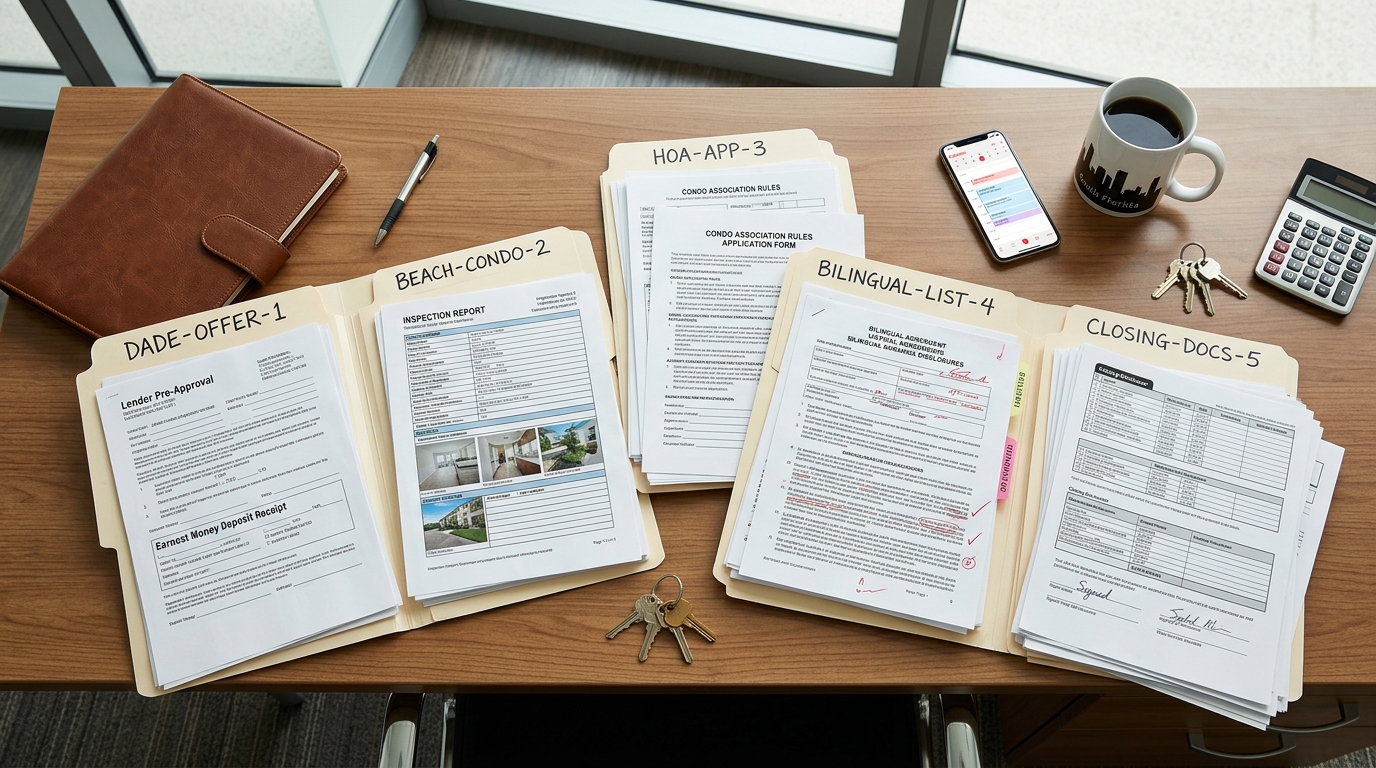

The task-level reliability matrix agents actually need
Most AI document management comparisons list features. That's not useful when you need to know whether the tool will actually catch a missing seller's disclosure on deal number seven while you're at a showing for deal number three. What matters is reliability per task — and that varies wildly depending on the function.
We've mapped the core document tracking sub-tasks against what we've observed working with agents and reviewing the current tool landscape. Here's where things stand in mid-2026.
| Document Tracking Task | AI Reliability | Human Check Needed? |
|---|---|---|
| Checklist generation by deal type | High — works well for standard residential | Spot-check for state-specific addenda |
| Deadline and contingency alerts | High — calendar math is reliable | Verify source dates are entered correctly |
| Missing document detection | Medium — catches obvious gaps | Yes — false alerts are common on custom forms |
| Clause and date extraction from PDFs | Medium — clean typed docs only | Always verify handwritten modifications |
| State-specific compliance flagging | Low — most tools default to generic rules | Required — wrong state = wrong checklist |
| Interpreting non-standard addenda | Low — frequent misreads | Do not trust without manual review |
Where AI document tracking actually breaks
The sales pages won't tell you this, so here's the failure taxonomy we've seen agents hit. These aren't edge cases — they're common enough that ignoring them will cost you trust with clients or time fixing errors.
- Handwritten modifications on addenda — OCR engines from tools like Google Document AI and those embedded in SkySlope or Dotloop struggle with handwriting. A scrawled date change on an inspection addendum gets misread or skipped entirely.
- False missing-document alerts — AI flags a document as missing because the file name doesn't match the expected pattern, or a combined PDF wasn't split correctly. Agents who get three false alerts in a row stop trusting the system.
- State-specific disclosure misses — a tool trained on California's Transfer Disclosure Statement won't know that Florida requires a different set of property condition disclosures. The checklist looks complete but isn't.
- Date extraction errors on multi-page contracts — when contingency dates appear on page 8 of a 14-page contract, extraction accuracy drops. The AI pulls the wrong date or pulls a date from the wrong clause.
- Version confusion on amended contracts — when a deal has three amendments, AI tools sometimes reference fields from the original contract instead of the latest amendment. This is especially dangerous for deadline tracking.
The pattern we see: AI document tracking doesn't fail catastrophically on day one. It fails quietly on deal five or six, when you've stopped double-checking because the first few deals went smoothly.
This is why the agents who succeed with these tools aren't the ones who trust them completely — they're the ones who know exactly which outputs to verify. That brings us to workflow design.
The hybrid workflow: where AI runs and where you check
The mistake most agents make is treating AI document tracking as all-or-nothing. Either they let it run unsupervised (and get burned), or they manually check everything (and save no time). The approach that actually works is a hybrid — AI handles the volume, you check the high-stakes moments.
Here's the workflow pattern we've seen work for solo agents and small teams running four to eight deals a month. It assumes you're using a platform like Dotloop, SkySlope, or ListedKit for document storage, plus an AI layer for tracking and alerts.
- Let AI generate the document checklist when a new deal opens. Review it once against your brokerage's actual requirements and your state's disclosure list. This takes two minutes and catches the biggest gap — wrong checklist for the deal type.
- Let AI send automated deadline alerts for contingency dates, inspection periods, and financing deadlines. But manually confirm the source dates were entered correctly at the start of the deal. Calendar math is reliable; garbage-in dates are not.
- Use AI missing-document detection as a first pass. When it flags something, verify before contacting the other party. False alerts that reach a client or a co-op agent make you look disorganized.
- Keep clause extraction and compliance review as human-verified tasks. Use AI to highlight where key dates and terms appear in the document, but read those sections yourself — especially on amendments and non-standard addenda.
- Run a manual final audit 72 hours before closing. AI can surface what's in the file; you confirm what's actually complete, signed, and current.
What this actually costs per deal
For solo agents and two-to-four-person teams, the math looks different than it does for a 50-agent brokerage. You're not amortizing a $500/month platform across hundreds of transactions. You need to know the per-deal cost including the hidden stuff.
| Cost Category | Per-Deal TC (Human) | Per-Deal AI Tracking |
|---|---|---|
| Base cost | $350–$500 per transaction | $25–$75 per transaction (platform fee ÷ deal volume) |
| Setup time | 15–30 min briefing per deal | 20–45 min first deal; 5–10 min after templates are set |
| Error remediation | Rare — experienced TCs catch issues | 1–2 hours/month reviewing false alerts and extraction errors |
| State-specific config | Built into TC's expertise | Often requires manual checklist customization |
| Scaling cost | Linear — each deal needs a TC | Near-flat after setup |
The breakeven for most solo agents lands around five to six deals a month. Below that, a per-deal TC is often simpler. Above that, AI tracking starts saving real money — but only if you've invested the upfront time to configure checklists and verify the first few deals manually.
Can AI take the document chase off your desk?
This is the question behind the question for most agents researching AI document tracking. The honest answer: not yet, and probably not fully for a while.
A skilled TC does more than track documents. They manage relationships with title companies, chase signatures from unresponsive parties, interpret contract language in context, and apply judgment when something looks off. AI handles the structured, repeatable parts — checklist management, deadline math, document receipt confirmation. It doesn't handle the unstructured parts — the phone call to a lender who's dragging, the judgment call on whether an amendment needs re-disclosure.
AI is strongest as a layer under a TC or under you — catching what would otherwise fall through the cracks at scale. It's weakest when asked to make judgment calls on ambiguous contract language or non-standard deal structures.
For a deeper look at which AI agent functions actually work in real estate and which ones don't, our breakdown of AI agents in 2026 covers the broader landscape beyond just document tracking.
How to start without overcommitting
If you're a solo agent or small team lead who wants to test AI document tracking without betting your next closing on it, here's the lowest-risk path.
- Pick one deal type you do frequently — probably a standard residential resale — and build your AI checklist template for that deal type only.
- Run the AI tracking in parallel with your current process for three deals. Don't skip your manual checks yet. You're auditing the AI, not relying on it.
- After three deals, note every false alert, every missed document, and every date the AI got wrong. That's your reliability baseline for your market and your deal type.
- Based on that data, decide which tasks you're comfortable handing off and which ones stay manual. Expand from there — one deal type and one task at a time.
This isn't the fastest path to time savings. But it's the one that builds the confidence to actually let go of tasks — instead of adopting a tool, distrusting it after one bad alert, and going back to tracking everything in a spreadsheet.