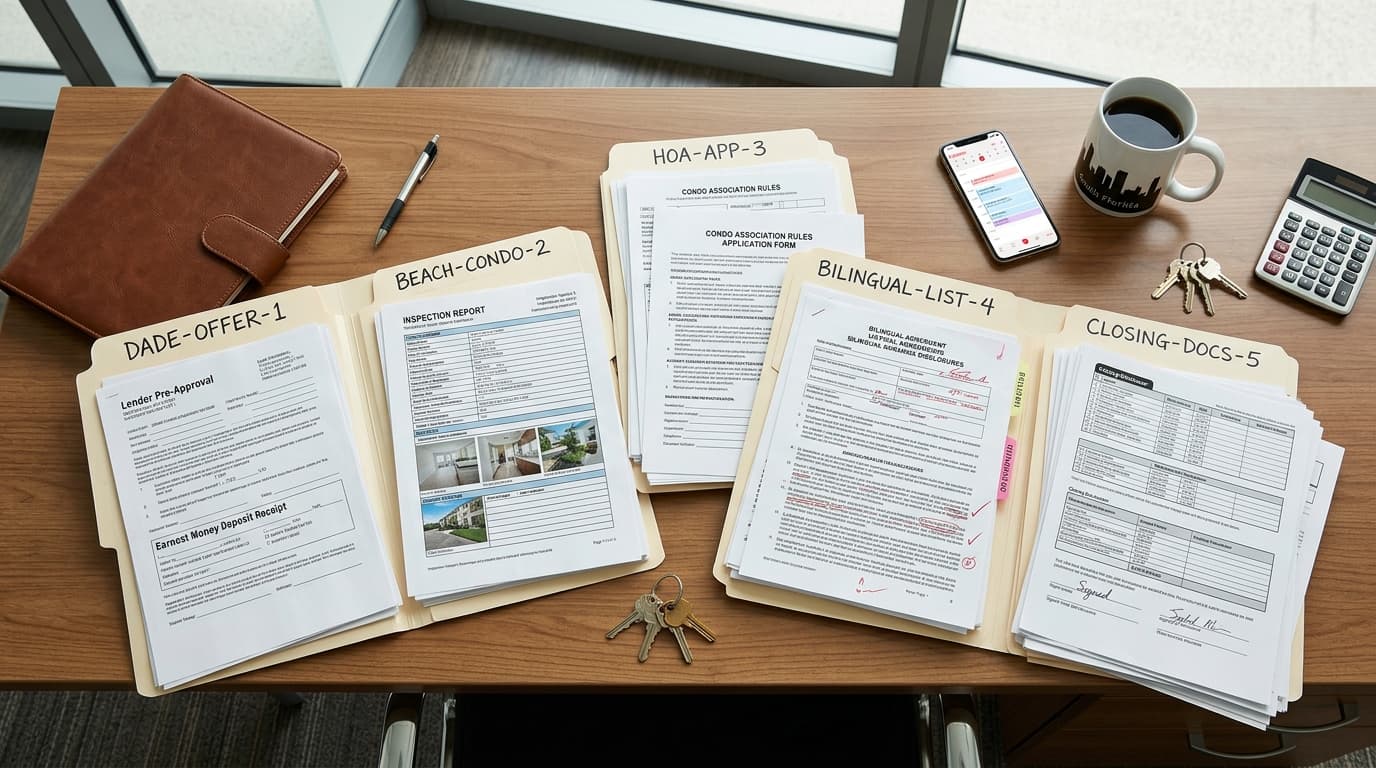
Who does what at each step of the deal?
| Step | What AI can do | What you must check | What stays yours |
|---|---|---|---|
| 1. Before you upload | Nothing yet. This step happens before the tool sees the contract. | Your brokerage's approved tools, plus the plan's data policy and privacy settings. | Deciding what goes into the tool and what stays out. |
| 2. Signed contract | List the Effective Date, the Closing Date, the deadlines, the parties, and the amounts it finds, with the page for each. | Every line against the signed contract, including addenda, riders, and handwritten changes. | What an unclear clause means. Take it to your broker or an attorney. |
| 3. Due list | Turn the checked dates into one list: what is due, who owes it, and on what date. | The counting rule in your form, plus weekends and holidays, on every calculated date. | The final date you work from. |
| 4. Inspection, financing, appraisal, and title | Draft the repair list, fill your forms, draft status requests, and keep a list of what came in. | Each repair item against the report, each form value, and each status against the document or the person responsible for it. | What to ask for, what to accept, and what you tell the client when something comes back wrong. |
| 5. Any change to the deal | Compare the amendment to the current list and redo the due list. | Every date that moved and every date that should not have moved. | Negotiating the change. |
| 6. Last week before closing | Build the closing checklist and draft logistics emails. | The Closing Disclosure date with the lender, and the names, price, and credits against the contract. | Wire safety, the final walk-through, and the last call with your client. |
Step 1: Is your tool approved for a signed contract?
Start here, because a signed contract carries client names, a price, and money details. In an October 2026 article on AI risk, NAR quotes its AI Policy Template for Brokers: only approved tools should be used for tasks involving client, transaction, or brokerage data, data entered should be "the minimum necessary to accomplish the task," and "if a tool has not been approved, assume it is off-limits for client or brokerage data." The template also says consumer-grade tools should not be used for work involving personal information, client names, financial details, or transaction documents. It is a template, so the policy to follow is your own brokerage's. Source: Faster, Cheaper, Riskier? What Brokers Should Know Before Putting AI to Work, https://www.nar.realtor/news/real-estate-news/technology/faster-cheaper-riskier-what-brokers-should-know-before-putting-ai-to-work
- Ask your broker which tools are approved for transaction documents, and keep the answer in writing. If your brokerage has no AI policy, NAR says creating one is a good place to start, so raise it.
- Check the plan as well as the product name. NAR's article notes that not every plan treats your data the same way, and that the plan and settings you choose can determine how the information is handled.
- If the tool is not approved, leave out client names and other personal information, financials, and transaction documents. In practice, that means no contract upload.
The same test applies to any tool, including ours.
Step 2: How do you pull the dates out of the signed contract?
Upload the fully signed copy with every addendum and rider, and ask for a list instead of a summary. A summary is hard to check. A list with a page and the exact words beside each item can be checked line by line.
From the attached signed contract and addenda, list the Effective Date, the Closing Date, and every deadline, with the party responsible for each. Beside each item, give the page and paragraph and copy the exact words. Copy any rule the contract states for counting days. If something is blank, handwritten, unclear, or changed by an addendum, write CHECK THIS instead of guessing. Do not add anything that is not in these documents, and do not tell me what a clause means legally.
Then open the contract and compare every line. If the page reference is wrong or the quoted words are not there, throw that line out, even when the date looks right. If a clause can be read two ways, that question goes to your broker or an attorney, even when the tool hands you one clean answer.
If you use Reddy, you can send it the signed contract in chat or by email. It reads the contract, lists the Effective Date, the Closing Date, and the deadlines it finds, and files the contract with that client's record so you can ask for a date later. You check each date before relying on it.
Step 3: Who counts the days?
Your contract decides how days are counted, and that rule can change. In a March 2025 article, Heather Rhodes, associate general counsel at Florida Realtors, wrote that the Contract for Residential Sale and Purchase, CRSP-17, "no longer uses business days for counting time periods." The article's example is a contract executed on Tuesday, April 1 with a 10-day Inspection Period: the count runs straight through the weekend and ends April 11. A deadline that falls on a weekend or national legal holiday moves to the next day that is neither, unless it is counted back from closing, in which case it moves to the day before. Source: Watching the Clock: New Time Rules, Updated Forms, https://www.floridarealtors.org/news-media/news-articles/2025/03/watching-clock-new-time-rules-updated-forms
That kind of change is how a date goes wrong quietly. Florida Realtors' own law library page, updated December 1, 2023, still describes the CRSP with business days and a 5 p.m. cutoff, while the 2025 article says calendar days and 11:59:59 p.m. local time. NAR Legal Affairs makes the general point in its notes on agentic AI: AI may act on outdated, incomplete, or non-compliant data. That is one Florida form, so read the counting rule in the form you actually signed and give it to the tool instead of letting it work from memory. Sources: Florida's Laws & Regulations Regarding Real Estate Contracts, https://www.floridarealtors.org/law-ethics/library/florida-real-estate-contract-laws and Hot Topics in Broker Risk Reduction, https://www.nar.realtor/legal/hot-topics-for-brokers
Once the dates are checked, AI can do the assembling:
- Give the tool only the dates you checked in step 2, plus the counting rule copied from your form.
- Ask for one line per deadline: what is due, who owes it, the contract wording, and the date.
- Recount by hand every deadline tied to money or a right your client could lose, such as the deposit, inspection, and financing dates.
- Mark each line as checked, then put the final dates on your own calendar.
The date you work from is the one you counted. If the tool and your count disagree, go back to the contract, and take anything still unclear to your broker or an attorney.
Step 4: What can AI do while inspection, financing, and title run?
NAR's article counts emails and follow-up messages among the repeatable work AI does well, and this stretch of a deal is full of them. Give the tool small jobs, in an approved tool, with only the information each job needs.
- Inspection: ask for a draft repair list from the report, with the page for each item. Check each item against the report. What to request is a decision you make with your client.
- Forms: have it fill the repair request, amendment, or other form your brokerage requires. Check every value and confirm the printed text did not change.
- Status requests: draft one short email per person for the lender, the title company, or the other agent, with the exact item and date you need. Read it before it goes out.
- What came in: keep a plain list of what has arrived and what is still out. Mark an item received only after you have opened it.
- Client updates: draft them from the checked due list, using only facts you confirmed. You read each one, fix the tone, and send it.
The line to hold is advice. NAR's article warns that an automated message to the wrong person, an autoreply that sounds like advice, or an AI that answers questions about price or value can create real exposure, and its policy kit says AI may not carry out activities requiring a real estate license or create obligations on a brokerage's behalf. So if a draft says the buyer can still walk away, that an appraisal gap is fine, or that a repair is the seller's problem, stop. That sentence needs you, your broker, or an attorney behind it. Source: Faster, Cheaper, Riskier? What Brokers Should Know Before Putting AI to Work, https://www.nar.realtor/news/real-estate-news/technology/faster-cheaper-riskier-what-brokers-should-know-before-putting-ai-to-work
Reddy can fill a PDF form you saved and set up once in the Workspace. It uses what you tell it and what the deal record already holds, asks for a missing value instead of guessing, fills the form's fields only, and returns the copy to your chat to review; you check every value and keep using the forms your brokerage or association requires. It also writes an email as a draft in your own connected mailbox, to the recipients you name, for you to review and send, and it can call a title company, a lender, an escrow officer, or the agent on the other side on your behalf once you approve the purpose of the call and its questions. It does not call clients.
Step 5: What do you redo when the deal changes?
Treat every signed amendment as a new start for your due list. Give the tool the amendment and the current list, and ask two questions: which dates and terms does this change, and which does it leave alone? Then check the answer against the amendment itself. If two documents seem to disagree, ask your broker or an attorney which one controls.
Do not just swap one date on the old list. In a hypothetical sale, suppose closing moves out a week. Deadlines counted back from closing may move with it, while deadlines counted from the Effective Date may not, and a weekend that did not matter before can now change a due date. Rebuild the list, compare it to the old one, and recheck every line that moved. Then tell everyone who was working from the old dates.
Step 6: What can AI do in the last week before closing?
AI can build your closing checklist from the due list and draft the logistics emails. Keep it away from the final numbers unless your tool is approved for them: settlement statements are on NAR's list of what stays out of any tool you have not vetted. Compare the names, price, and credits against the contract yourself. The final walk-through and the last call with your client stay with you too.
On a financed purchase covered by the rule, ask the lender when the buyer will receive the Closing Disclosure. Under the federal rule, the creditor must make sure the consumer receives it no later than three business days before consummation, subject to the rule's exceptions. For that timing, Regulation Z counts all calendar days except Sundays and federal legal holidays, so Saturday counts. Suppose a closing is set for a Monday with no holiday in the way: the third business day before it is Thursday. A tool counting Monday through Friday would say Wednesday, and this count is separate from the one in your contract. Sources: 12 CFR 1026.19, https://www.consumerfinance.gov/rules-policy/regulations/1026/19/ and 12 CFR 1026.2, https://www.consumerfinance.gov/rules-policy/regulations/1026/2/
What goes wrong when AI works on a deal?
These are the failures to plan for and what catches each one. The fixes are our recommendations.
| What goes wrong | How it happens | What catches it |
|---|---|---|
| A wrong date | The tool reads the wrong line, misses an addendum, or counts days by a rule your form does not use. | The page and exact words beside each date, a recount using your form's rule, and a new check after every amendment. |
| An invented fact | NAR warns that AI can invent amenities, overstate features, or get details wrong, all in a polished voice. In a contract summary, suppose that shows up as a repair credit nobody agreed to. | Delete any line you cannot find in the source document. NAR's checklist asks whether every fact is verified against the MLS record or source documents. |
| Client data in an unapproved tool | A contract or settlement statement gets pasted into a personal account because that is the quickest route. | An approved-tool list from your broker, only the data the task needs, and telling your broker right away if it already happened. |
| A message to the wrong person | An automation sends or replies before anyone reads it. | Drafts only. You check the recipients and the wording, then you send. |
Speed does not move the responsibility. NAR's policy kit says agents and staff are "fully accountable for any AI-generated content they use, share or publish," and the article adds that managing brokers have supervisory responsibilities too. Its closing line is worth keeping in mind.
These tools do not carry your license, your Code of Ethics obligations or your clients' trust. You do.
Frequently asked questions
Can AI read a real estate contract?
Yes. An AI tool can read a signed contract and list the dates, parties, and amounts it finds, but it can get them wrong, so check every date against the contract. Use a tool your brokerage has approved for transaction documents, and take the meaning of any unclear clause to your broker or an attorney.
What should I never hand to AI in a deal?
NAR's October 2026 article on AI risk draws a bright line: no Social Security numbers, financial records, settlement statements, access codes, or confidential transaction documents in a tool you have not vetted. Also keep the decisions for yourself: what a clause means, what to negotiate, and any advice that requires a license.
Can AI send client updates for me?
AI can draft them, but read each one and send it yourself. NAR's AI policy kit for brokers says "fully autonomous execution without human review is prohibited," and NAR warns that an automated message to the wrong person or an autoreply that sounds like advice can create real exposure.
Can I upload a contract to ChatGPT?
Only if your brokerage has approved that tool and plan for transaction documents. NAR's AI Policy Template for Brokers says consumer-grade tools should not be used for work involving client names, financial details, or transaction documents, and plans can treat your data differently, so check the plan's data policy and privacy settings first.
Who is responsible if AI gets a deadline wrong?
Plan on it being you. NAR's AI policy kit says agents and staff are "fully accountable for any AI-generated content they use, share or publish," and NAR adds that managing brokers have supervisory responsibilities. What a missed deadline means for your deal depends on the contract and your state, so take it to your broker or an attorney.