Copy this open house sign-in sheet
Colibri Real Estate’s open-house guide identifies five essential pieces of information: the visitor’s name, email address, phone number, open house date, and property address. Print the date and property address at the top so visitors do not have to enter them repeatedly.
| Field | Response format | Who completes it |
|---|---|---|
| Property address | Preprinted address | Agent |
| Open house date | Preprinted date | Agent |
| Name | Short written answer | Visitor |
| Email address | Short written answer | Visitor |
| Phone number | Short written answer | Visitor |
| Preferred follow-up | Email, text, or call | Visitor |
| Are you working with a real estate agent? | Yes, no, or prefer to discuss | Visitor |
| When are you planning to buy? | 0–3 months, 3–6 months, more than 6 months, or researching | Visitor |
Colibri Real Estate suggests possible qualifying questions about whether the visitor is working with an agent, when they plan to buy, whether they also need to sell, what kind of home they want, and whether they want similar properties. The guide recommends keeping these questions short and using checkboxes or multiple-choice answers instead of requiring detailed written responses.
Prepare the sign-in station
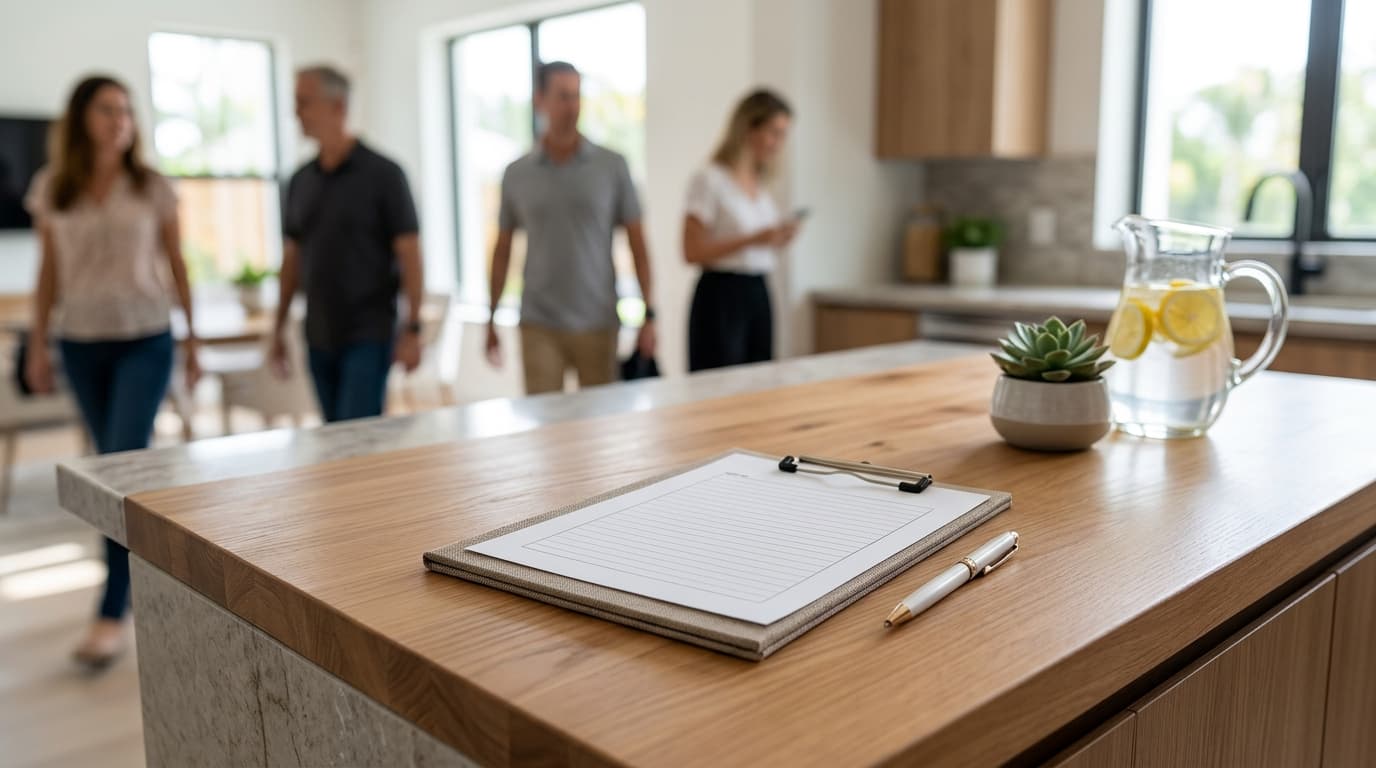
- Print the property address and date at the top of every paper sheet.
- Place the form near the entrance where you can welcome visitors and introduce it.
- Provide working pens and keep a spare copy of the sheet nearby.
- For a digital form, test every field and submission before the doors open.
- Place the tablet on a stand or display a clearly labeled QR code.
- Keep a separate notes page for observations you do not want visitors to see.
Colibri Real Estate recommends putting the sign-in form in a visible place where visitors naturally stop. Its guide also advises agents to limit required fields, use checkboxes when possible, provide pens for paper forms, and test digital forms before the open house.
Use a short, direct introduction: “Welcome. Please sign in before you look around so I can send any property information you request.” If you prefer to start with a conversation, welcome the visitor, ask what brought them in, and then introduce the form.
Add a follow-up note for each visitor
The form tells you how to reach someone. Your notes tell you what to say. As soon as you have a free moment, add one short note and one next action beside each visitor’s entry.
- Specific feature, room, or concern they mentioned
- Home type, area, or price range they described
- Information they asked you to send
- Whether they requested similar properties
- Whether they want to schedule another visit
- Their stated contact preference
- Your next action
| Visitor note | Next action |
|---|---|
| Asked about the age of the roof | Find the available property information and answer the question |
| Liked the layout but needs another bedroom | Ask permission to send similar homes with another bedroom |
| Wants to bring a family member back | Offer to coordinate a private showing |
| Still researching and prefers email | Send a brief thank-you and the requested property details by email |
Complete the 24-hour follow-up workflow
Treat 24 hours after the open house as your operating deadline. Colibri Real Estate’s guide recommends reaching out as soon as possible and, when possible, on the same day.
- Review every entry before ending the workday.
- Match each visitor with the note you recorded during the open house.
- Choose one next action: answer a question, send property information, offer similar listings, or invite the visitor to arrange a private showing.
- Draft a short message that refers to the property and one specific detail from the conversation.
- Send the message through the visitor’s stated contact method.
- Record the date, channel, message, and next action in your follow-up log.
Colibri Real Estate lists several useful follow-up options: a thank-you, additional property information, similar listings that fit the visitor’s interests, an invitation to schedule a private showing, or a call or text to answer questions. Select the option that matches what the visitor discussed or requested.
If writing the emails is the bottleneck, Reddy can prepare an email draft in your connected mailbox for recipients you name. You review the draft and send it from your own email.
Use a message that matches the conversation
Keep the message focused on the visitor’s open house conversation. Replace every bracketed item before sending.
Hi [first name], thanks for visiting [property address] today. You mentioned [specific detail or question]. Here is [the information requested]. Would you like to see the home again, or is there another question I can answer?
Use this version when the visitor wants homes with different features:
Hi [first name], thanks for stopping by [property address]. You mentioned that you are looking for [home type, area, or feature]. I can send a short list of similar properties. Would that be helpful?
Use this version when the visitor requested another visit:
Hi [first name], thank you for visiting [property address]. You said you may want to see the home again with [person or purpose discussed]. If you would like, send me a few times that work for you and I can help coordinate a private showing.
Keep a simple follow-up log
Your sign-in sheet records attendance. A follow-up log records what happened next. Use a spreadsheet, CRM, or another system you already check.
| Visitor | Interest or question | Follow-up channel | Sent | Next action |
|---|---|---|---|---|
| Visitor name | Question or requested information | Email, text, or call | Date and time | Action and target date |
- Every completed sign-in entry has been reviewed.
- Each visitor has a conversation note or stated request.
- The contact information has been checked for obvious transcription errors.
- A personalized message has been sent within 24 hours.
- The send date and channel have been recorded.
- Any promised information or next action has been documented.
Once every row has a sent time or a documented reason for no message, the open house follow-up is complete.