Start with one folder and one six-post plan
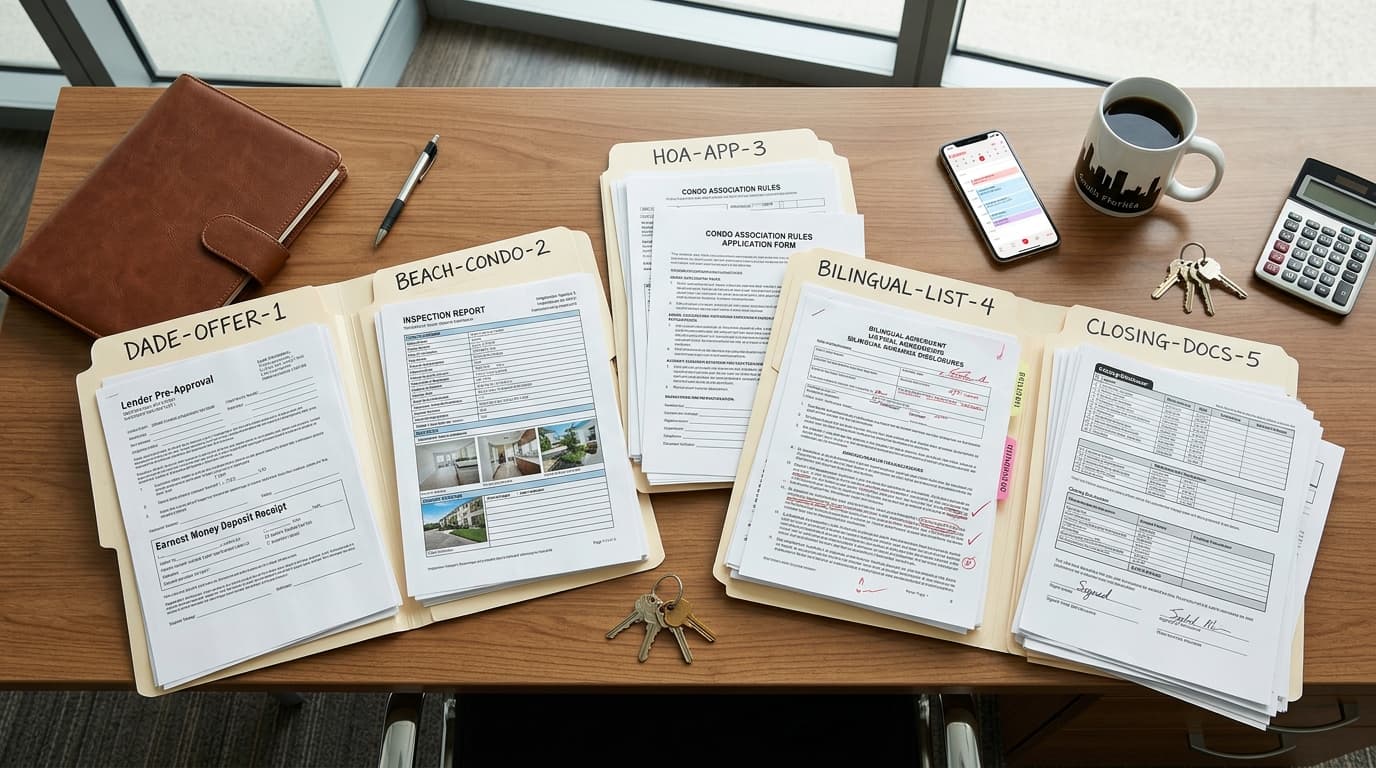
Create the working folder before asking AI to write anything. This keeps approved photos, verified facts, and draft captions together.
- A fact sheet with the address, current price, room count, recorded area, property description, showing instructions, and confirmed status
- The listing’s real photos, clearly named by room or view
- Confirmation that you may use each photo in marketing
- Your name, phone number, brokerage name, logo, and any required brokerage wording
- Confirmed open house dates and times
- Three captions you wrote and still like, or a transcript of a short voice recording
- The action you want a viewer to take, such as requesting details, arranging a showing, or visiting the open house
| Listing moment | Use it when | Primary visual | Details to verify | Possible opening |
|---|---|---|---|---|
| Coming soon | The status is accurate and you are permitted to advertise the property | Exterior or a strong interior preview | Address or area, expected timing, approved status wording | Coming soon in [area]: [one verified feature]. |
| Just listed | The listing is active and ready to promote | Exterior followed by the strongest rooms | Address, current price, rooms, area, showing instructions | Just listed: [address] at [price]. |
| Open house | The event details are confirmed | Exterior, entrance, and rooms visitors will see | Date, start time, end time, address, access instructions | Open house at [address] on [date] from [time] to [time]. |
| Price drop | The new price is recorded and approved for advertising | Recognizable listing photo with restrained text | New price and current property status | New price for [address]: [price]. |
| Under contract | The property’s status is confirmed | Exterior or another familiar listing image | Status, address, seller-approved acknowledgments | Under contract at [address]. |
| Just sold | The closing and public wording are confirmed | Exterior or a closing-day photo you may use | Address, final status, any approved sale details | Just sold: [address]. |
Treat the opening lines as editable structures, not automatic claims. Replace every bracketed field with a verified value and delete anything you cannot confirm.
Give AI your voice and firm boundaries
AI needs more than a property description. Give it examples of how you naturally speak: direct or warm, brief or detailed, formal or conversational. Point out habits you want preserved, such as short sentences, neighborhood context, or a simple invitation at the end.
You are helping me prepare six social posts for one real estate listing: coming soon, just listed, open house, price drop, under contract, and just sold. Use only the facts and media I provide. If a detail is missing, write NEEDS CONFIRMATION instead of guessing. Match the tone and sentence length in my sample captions. Keep the language clear and specific, without hype. Use only the listing’s real, authorized photos. Do not generate, retouch, extend, replace, remove, add, stage, or change anything in a property photo. Do not change the sky, landscaping, furniture, finishes, fixtures, windows, views, room dimensions, lighting conditions, or property condition. For each moment, provide: one caption, a short on-image headline, the recommended order of the supplied photos, and a final verification list. Do not publish anything.
Paste your facts, voice samples, and photo filenames immediately after that message. Ask for all six drafts at once so you can compare their tone and remove repeated phrases.
Keep the home visually truthful
Use AI to organize, write, resize, sequence, and place text around the photography—not to change what the property contains or how it appears. A clean crop, consistent layout, or pan across a still image can support the post without inventing a feature.
| Use | Avoid |
|---|---|
| The listing’s authorized real photos | AI-generated substitutes for rooms or exterior views |
| Cropping that keeps the relevant property context | Generative expansion beyond the original frame |
| Text placed outside important property details | Text or graphics that hide condition issues |
| A sequence of photos selected from the approved folder | Object removal, virtual staging, sky replacement, or changed finishes |
| Simple zooms and pans over unchanged photos | Generated movement that makes a still property feature appear different |
| A separate title card with status and contact information | A property image containing invented signs, décor, views, or landscaping |
For REALTORS®, the National Association of REALTORS® 2026 Code of Ethics says Article 12 requires honesty, truthfulness, and a true picture in real estate communications. Standard of Practice 12-10 includes internet content and images and prohibits manipulation that creates a deceptive or misleading result, including misleading images. It also requires the firm name to be disclosed in a reasonable and readily apparent manner under Standard of Practice 12-5. Review the applicable text at https://www.nar.realtor/about-nar/governing-documents/code-of-ethics/2026-code-of-ethics-standards-of-practice and follow your brokerage’s advertising requirements.
Instagram’s Original Content Guidelines say creators are responsible for obtaining necessary permission before using someone else’s work. If a photographer, seller, vendor, or partner supplied an image, confirm that you may use it before adding it to the post. The guidelines are available at https://creators.instagram.com/original-content-guidelines.
Turn each plan into a post
- Choose the correct listing moment. Do not begin with a caption and decide the status later.
- Copy only the verified facts needed for that moment into the AI conversation.
- Select the real photos that support those facts. Refer to them by filename so the AI can suggest an order without changing them.
- Generate the caption, on-image headline, and photo order with the master message.
- Read the caption aloud. Replace expressions you would not naturally say.
- Check the address, price, status, room count, area, date, time, contact information, and brokerage name against your current records.
- Inspect every final image. Compare it with the original and remove the post from the workflow if the property itself was changed.
- Get any seller or brokerage approval your process requires.
- Upload and publish the post yourself. After a later status change, correct or remove information that is no longer current.
For a listing already in Reddy, the user can ask in chat for an ad for any of the six moments. Reddy returns three images—two for the feed and one for a story—plus a caption. It uses the listing’s own photos and never edits or generates a photo.
Use these caption structures
These are starting structures for the six drafts. Replace the brackets with verified information, remove unused lines, and make the final wording sound like you.
- Coming soon: Coming soon in [area]: [verified feature]. I’ll share the full details when the listing is ready. Contact me at [phone] with questions. [Name], [brokerage].
- Just listed: Just listed at [address] for [price]. This [room count]-bedroom, [bath count]-bathroom home offers [verified feature] and [verified feature]. Contact me at [phone] for details or showing information. [Name], [brokerage].
- Open house: Open house at [address] on [date] from [start time] to [end time]. Come see [verified feature] and [verified feature]. Contact me at [phone] for access details. [Name], [brokerage].
- Price drop: New price for [address]: [price]. The home includes [verified feature] and [verified feature]. Contact me at [phone] for current details or showing information. [Name], [brokerage].
- Under contract: Under contract at [address]. Thank you to [approved acknowledgment, if any]. For questions about another property, contact me at [phone]. [Name], [brokerage].
- Just sold: Just sold at [address]. [Seller-approved or otherwise authorized sentence about the transaction.] Contact me at [phone] if you would like to discuss your next move. [Name], [brokerage].
Make a real-photo reel from the same plan
You can reuse the verified facts and approved photo sequence for a short vertical video. Start with the listing moment, show the property in a logical order, and end with your name, brokerage, and contact information. If you want your own voice, record one short narration from the approved caption instead of asking AI to imitate you.
- Open with a short status line, such as Just listed in [area].
- Show the exterior, main living area, kitchen, primary bedroom, and one distinctive verified feature, using only the supplied media.
- Use simple cuts, zooms, or pans. Do not generate transitions that invent a path, space, or connection between rooms.
- Keep on-screen text factual and readable.
- End with a separate contact card rather than covering an important part of the home.
- Watch the entire export once with sound and once without sound before posting.
Instagram for Creators said in its February 26, 2025 guidance that reels should make sense to people who do not know the creator and recommended a compelling hook in the first three seconds. For a listing reel, the verified status, location, or strongest real feature can provide that opening without exaggeration. See https://creators.instagram.com/blog/helping-creators-of-all-sizes-break-through.
For a listing the user has with Reddy, Reddy can make a vertical video from the listing’s photos, the user’s own photos and videos, and short clips of the user talking. It can use the user’s voice from a video or one voice recording and uses zooms and pans over real photos. It never generates, retouches, or changes anything in a photo with AI. The user reviews the preview and posts it; Reddy does not post, schedule, boost, spend money, or add music.
Run the final truth check
- Is the listing moment accurate right now?
- Does every property statement come from a verified source?
- Are the price, address, room count, area, date, and time correct?
- Are all photos real, authorized, and unchanged?
- Does the photo order match the actual property rather than imply a feature or connection that is not shown?
- Does the caption sound like the agent’s own voice?
- Are the agent name, phone number, brokerage name, and required wording present?
- Were unconfirmed placeholders removed?
- Were private or seller-sensitive details removed unless their use was approved?
- Did a person review the final caption, images, and video before publication?
Save the approved prompt, checklist, and six-post table as your reusable listing-content template. For the next listing, replace the facts and media rather than rebuilding the workflow or asking AI to improvise.