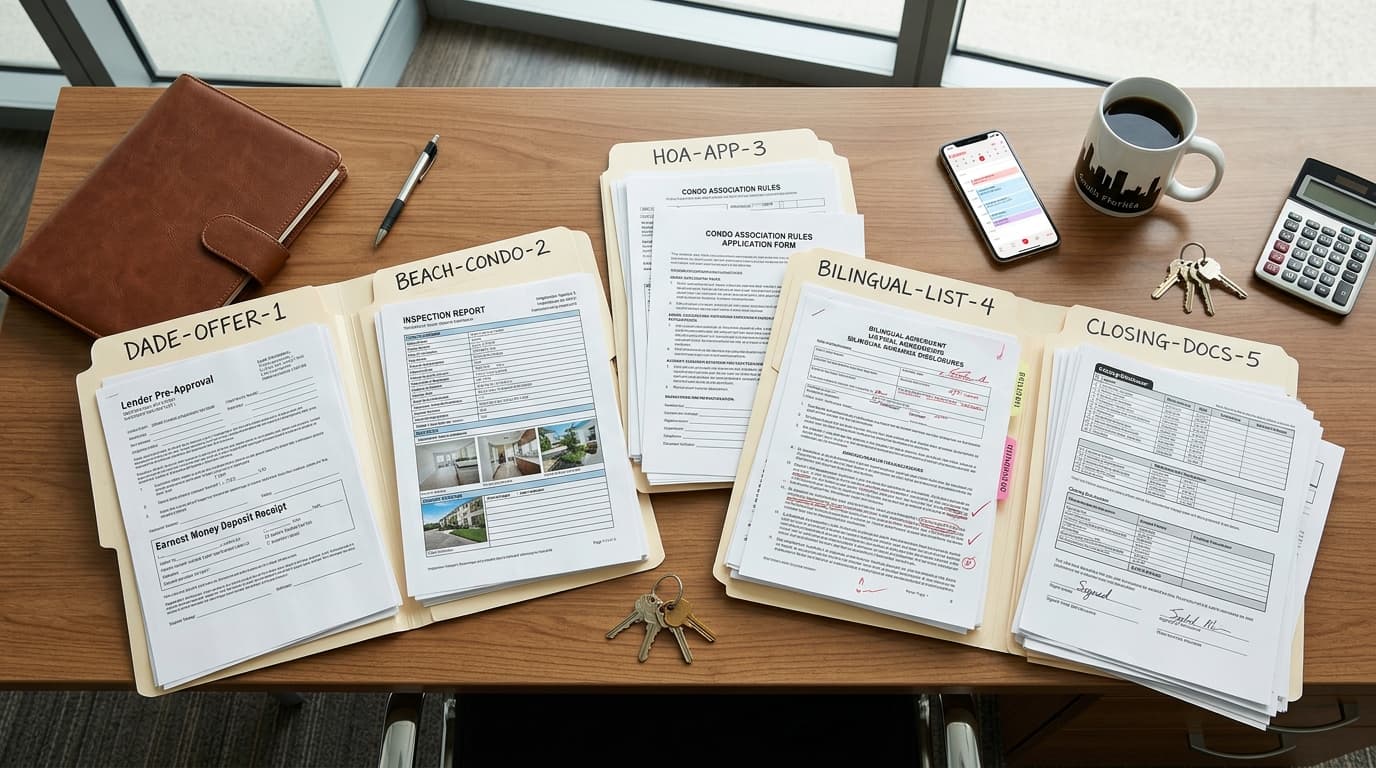
Use this review checklist before anything goes out
- Confirm the item. Check the transaction, document or email purpose, form name, form version, and instructions used to prepare it.
- Check the people and property. Compare every name, role, email address, property address, unit number, and other identifier with the source record.
- Check every number. Review the price, deposit, credits, fees, financing figures, and any other amount against the source document or written instruction.
- Check every date. Compare the effective date, closing date, contingency dates, delivery dates, and other entered dates with the signed contract or applicable written instruction. Do not calculate a date from memory when the governing document can be checked.
- Check terms, blanks, and attachments. Read filled fields in context, resolve every blank that should be completed or struck, and confirm that the referenced disclosures and addenda are present.
- Check the audience and message. For email, confirm the recipients, subject, names, property, requested action, attachments, and any date or amount mentioned in the body.
- Check the send setup. Confirm who will sign or receive the item, where it will be delivered, and whether the final file and attachments match the version you reviewed. Record the reviewer and approval before sending.
Review complete Item: [form or email] Transaction: [client and property] Source documents checked: [list] Names and recipients checked: Yes / No Numbers and dates checked: Yes / No Terms, blanks, and attachments checked: Yes / No Signature or delivery setup checked: Yes / No Open questions: [none or list] Reviewed by: [name] Approved at: [date and time]
Review from the source, not from the AI draft
Open the source beside the prepared item. Move through the form or email line by line and compare values directly.
| Review area | Use as the source | What to compare |
|---|---|---|
| People and property | Client record and transaction documents | Names, roles, address, unit number, and contact details |
| Money | Written instructions and transaction documents | Price, deposit, credits, fees, financing figures, and other amounts |
| Dates | Signed contract, applicable addendum, or written instruction | Entered dates and the event each date belongs to |
| Terms and attachments | Current form, transaction instructions, disclosures, and addenda | Filled fields, selected options, special terms, referenced documents, and blanks |
| Email delivery | Original request and recipient list | Recipients, subject, requested action, attachments, dates, and amounts |
| Signature delivery | Reviewed final file and signer information | Correct file, signer names, signer email addresses, and signature roles |
Juan Picos of JohnHart Real Estate advises readers to pay close attention to the purchase price, earnest money deposit, financing terms, inspection and appraisal contingencies, closing date, included or excluded items, repair responsibilities, and transaction deadlines. He also recommends carefully reviewing disclosures and addenda. Use those areas as prompts, then follow the actual form and transaction documents in front of you.
During your review, identify every blank and decide whether the form calls for a value, a deliberate strike-through, or no entry.
Make the review pass a required handoff
Create three clear stages for prepared work: AI prepared, human reviewed, and ready to send. Do not treat a draft as ready merely because it looks complete.
- Assign one reviewer. On a solo practice, that is the agent. On a small team, name the role responsible for each form or email type.
- Keep prepared work in a review location until approval is recorded. That can be a transaction task, a draft folder, or another queue your team already checks.
- Require the reviewer to leave the completed review note with the transaction record.
- If the item changes after approval, return it to the review stage. Review the changed fields and any connected dates, totals, terms, attachments, recipients, or signature settings.
- Do not send while an open question remains. Ask the client for missing information, check the source document, follow brokerage guidance, or seek professional help when the question requires it.
For forms, Reddy fills fields in a saved PDF without changing its printed text and returns the filled copy in chat for review. When the user asks to send it for signature, Reddy shows up to two signers and sends signing links only after the user says to send; the user checks every value before that approval.
For email, Reddy creates a draft in the user's connected mailbox for the recipients the user names. It does not send the draft; the user reviews and sends it from their own email.
Know when to stop the send
Stop when the source and prepared item disagree, a required value is missing, two documents conflict, the form version is uncertain, an attachment is absent, or the requested wording needs interpretation. Record the question and who must answer it so the item does not quietly move forward.
If a client does not understand a form, walk through the relevant sections before asking for a signature. Juan Picos recommends consulting a real estate attorney when someone has legal concerns or needs interpretation beyond the transaction itself.