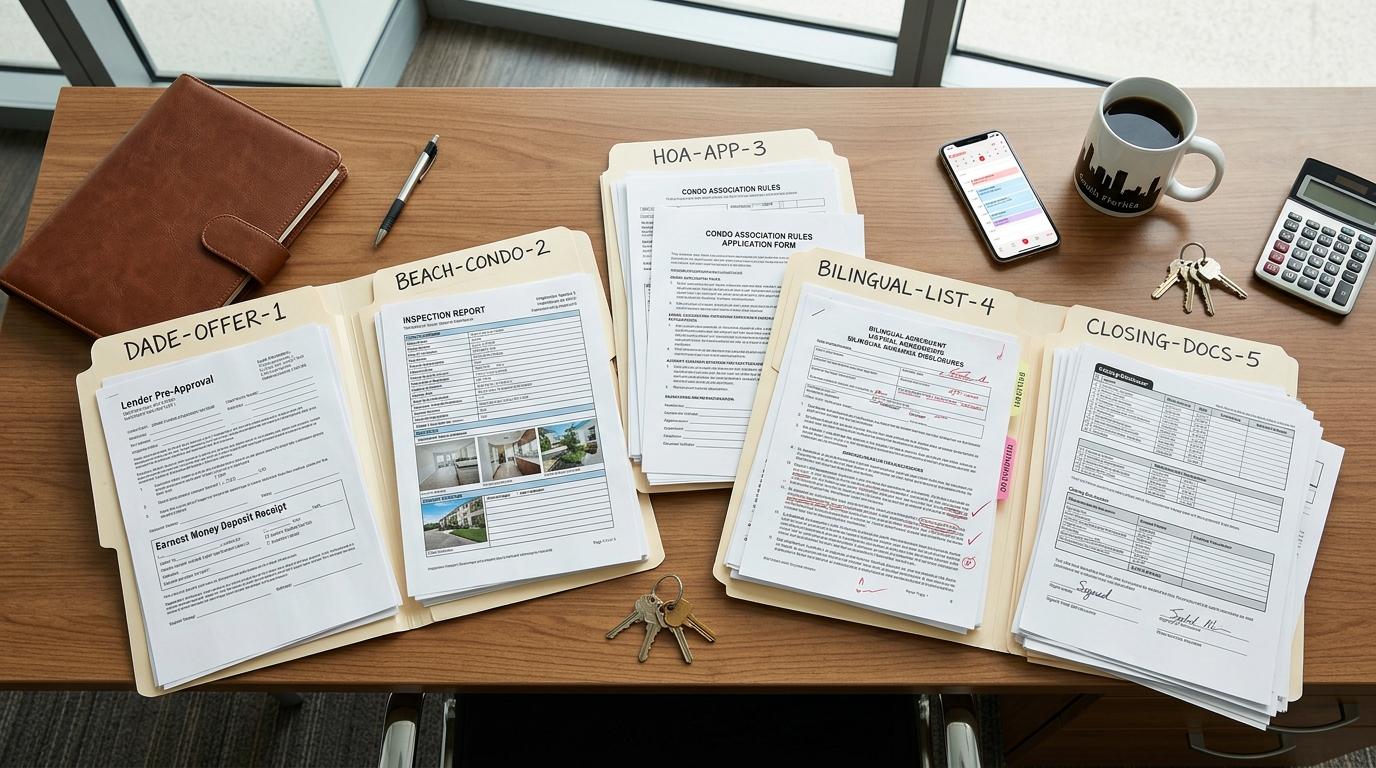
Why broker admin overload hits harder than solo admin
When a solo agent gets disorganized, one calendar suffers. When a brokerage runs on unwritten habits, the managing broker absorbs compliance risk across every agent in the office. Under Florida Statutes section 475.25(1)(u), a broker can be disciplined for failing to direct, control, or manage sales associates and broker associates. Under Florida Statutes section 475.5015, the broker must preserve at least one legible copy of brokerage books, accounts, and transaction records for at least 5 years from receipt of entrusted funds or execution of an agreement (and at least 2 years after litigation concludes if longer).
Advertising oversight adds another recurring bottleneck. Florida Administrative Code Rule 61J2-10.025 requires the registered brokerage name on every advertisement and requires brokers supervising real estate teams to maintain a monthly-updated written list of team members. Without written back-office workflows, every new agent multiplies interruptions instead of capacity.
The five repeatable back-office systems every real estate firm needs
Do not try to write a 90-page operations manual in one month. Standardize the five back-office handoffs that generate the most repeat broker interruptions first:
| Firm system | What starts it | Standard output | Broker audit checkpoint |
|---|---|---|---|
| 1. Deal intake and file setup | Signed listing agreement, buyer agreement, or purchase contract | Standard deal folder, verified dates, and mapped CRM deal fields | Within 24 hours of execution: contract, disclosures, and agreement present |
| 2. Compliance and disclosure review | Document uploaded to the transaction folder | Checklist verified by deal type (sale, condo/HOA, lease, buyer rep) | Missing signatures or blanks flagged once with a 48-hour cure deadline |
| 3. Advertising and team roster check | New listing launch, open house flyer, or team roster change | Approved marketing copy with registered firm name and monthly team list | Pre-publish sign-off for new campaigns plus monthly team roster update |
| 4. Deadline and vendor follow-up cadence | Active under-contract status | Scheduled 48-hour pre-deadline checks on escrow, inspection, loan, and title | Broker escalated only on exceptions (disputed dates, escrow issues, stalled loan) |
| 5. Pre-closing CDA and archive handoff | Clear-to-close or 7 days before closing | Verified CDA matched to signed agreements, broker signature, and 5-year archive | Final broker authorization before closing company cutoff and archive verification |
Fix handoffs with consistent CRM transaction field mapping
One hidden cause of broker admin overload is broken CRM transaction field mapping. Agent A puts the closing date in a free-text note, Agent B types an unformatted property address into the deal title, and Agent C leaves the client's preferred language blank. Whenever a broker, admin, or TC opens a deal to audit compliance or draft a CDA, they have to open four PDFs and two text threads just to find basic facts.
Lock one minimum field map across your CRM and transaction folders so every deal carries the exact same structured fields from day one:
- Deal identity: canonical street address, unit number, MLS number, transaction side (buyer, seller, landlord, tenant), and assigned licensed agent.
- Core dates: Effective Date, Initial Deposit Due Date, Additional Deposit Due Date (if any), Inspection Deadline, Loan Commitment Date, Closing Date, and Agreement Expiration Date.
- Financial terms: contract price, earnest money amount and escrow holder, agreed brokerage compensation source and rate, and any referral brokerage and percentage.
- Parties and language: client legal names, preferred contact channel and language (English or Spanish), cooperating agent, title/closing contact, and lender contact.
- Compliance status: buyer/listing agreement signed (Yes/No), required disclosures complete (Yes/No), broker review status, and CDA authorized date.
One-page SOP template for rolling out firm systems
Agents ignore long binders. Write every firm procedure on one page using five fixed fields so any agent, admin, or TC knows what starts the work and what proves it is finished:
Firm SOP: [Process name, e.g., Under-Contract File Intake] 1. Trigger: [What event starts this SOP, e.g., Executed purchase contract received] 2. Owner: [Role responsible for running the steps] 3. Required steps (in order): [3 to 6 concrete actions] 4. Proof of done: [Exact artifact saved and where it lives] 5. Escalate to managing broker when: [Specific exception triggers] Review cycle: [Quarterly or upon state/MLS form update]
Turning repeat office habits into playbooks and routines
Written SOPs work only when they stay attached to daily deal work rather than sitting in an unread drive folder. In Reddy, you tell Reddy in chat how you handle a recurring task and Reddy saves it as a playbook that you can read and edit in the Workspace. Routines then start on concrete events—a new email, a missed call on your Reddy line, a schedule, a deadline, or a new lead—and run the steps you confirmed, such as adding a contact to Follow Up Boss, opening a Slack channel, or following a saved playbook.
From the product's own records reviewed by the founder on October 1, 2026, early users ended their first day with 2 playbooks on average and reached 5 repeatable workflows within their first week. Because routines write emails as drafts unless you explicitly approve a send step, teams keep repeatable execution without giving up oversight.