
Check the CDA against the transaction file
- Identify the transaction. Match the property and parties on the CDA to the current signed contract.
- Confirm the closing date. Use the current contract and signed amendments, not an old checklist or email thread.
- Verify the compensation source. Compare the CDA with the applicable signed listing agreement, buyer broker agreement, and documented compensation instructions.
- Confirm each brokerage and payee name. Use the names shown in the brokerage’s current payment instructions.
- Recalculate the amounts. Check the agreed compensation, splits, deductions, referrals, transaction charges, and totals against the documents that authorize them.
- Review direct payments separately.
- Resolve every mismatch before requesting approval. Mark the uncertain entry and ask the broker or authorized brokerage contact to decide it.
- Save one final version. Give it a clear filename and remove superseded drafts from the active closing folder.
| CDA entry | File to check | What to verify |
|---|---|---|
| Transaction | Current contract and amendments | Property, parties, and current closing date |
| Compensation | Applicable listing agreement, buyer broker agreement, and documented compensation instructions | Agreed method and amount |
| Brokerage payee | Brokerage payment instructions | Exact payee name and payment details |
| Deductions or referrals | Brokerage records and signed supporting documents | Each item and the arithmetic |
Florida Realtors explains that compensation is negotiable and should be accurately reflected in the listing agreement or buyer broker agreement. That makes the applicable signed agreement the starting point for checking the commission amount, rather than a previous CDA or an informal note.
If the signed contract was sent to Reddy through WhatsApp or email, Reddy can list the closing date it finds and retain the contract with the client record. Check that date against the signed documents before you rely on it.
Get the broker’s authorization
Do not treat preparation of the CDA as authorization. Route the completed document through the approval method required by the brokerage and obtain the broker’s signature where written authorization is needed.
Florida Statutes section 475.42 states that a sales associate may not collect money connected with a brokerage transaction except in the employer’s name and with the employer’s express consent.
Florida Realtors reports that, under a 1999 Florida Real Estate Commission order, a broker may ask a closing agent in writing to pay commissions directly to a salesperson after closing. The written authorization must identify the transaction, name the salesperson entitled to the commission, state the amount to pay, and carry the broker's signature.
Subject: CDA approval needed for [property address] Please review the attached CDA for [property address]. I checked the transaction, closing date, compensation, payees, deductions, and totals against the current file. Items needing your confirmation: [none, or list the specific item]. Please sign or authorize the CDA through the brokerage’s required process. The closing company asked to receive the final instructions by [date and time].
Send the final CDA in time for Closing Disclosure preparation
Ask the closing company when it needs the broker-authorized CDA for its Closing Disclosure workflow. Record the named recipient, delivery method, date, time, and any required subject line or portal. The federal Closing Disclosure timing rule is not a CDA submission deadline.
For transactions covered by 12 CFR 1026.19(f)(1), the creditor generally must ensure that the consumer receives the Closing Disclosure no later than three business days before consummation, subject to the exceptions in that regulation. A settlement agent may provide the disclosure, but the creditor remains responsible for compliance.
The Consumer Financial Protection Bureau’s sample Closing Disclosure shows separate real estate commission entries in section H, Other, with a broker name and amount for each entry. Use the closing company’s draft to compare those displayed commission entries with the final broker-authorized CDA.
Subject: Broker-authorized CDA for [property address] Attached is the broker-authorized CDA for [property address], scheduled to close on [current closing date]. Please confirm receipt and let me know whether the commission payee names and amounts can be reflected in the closing documents as submitted. If you need a different form or additional brokerage information, please identify the exact item needed and your cutoff for receiving it. Thank you, [Name] [Brokerage]
- Send the authorized version to the recipient named by the closing company.
- Request a written receipt or confirmation.
- Label the sent copy as final and retain it with the approval record.
- If the closing date, compensation, payee, or deduction changes, prepare a revised CDA and obtain fresh broker approval.
- When a Closing Disclosure draft is available, compare its commission entries with the authorized CDA and report any mismatch to the closing company and broker.
Use a final handoff check
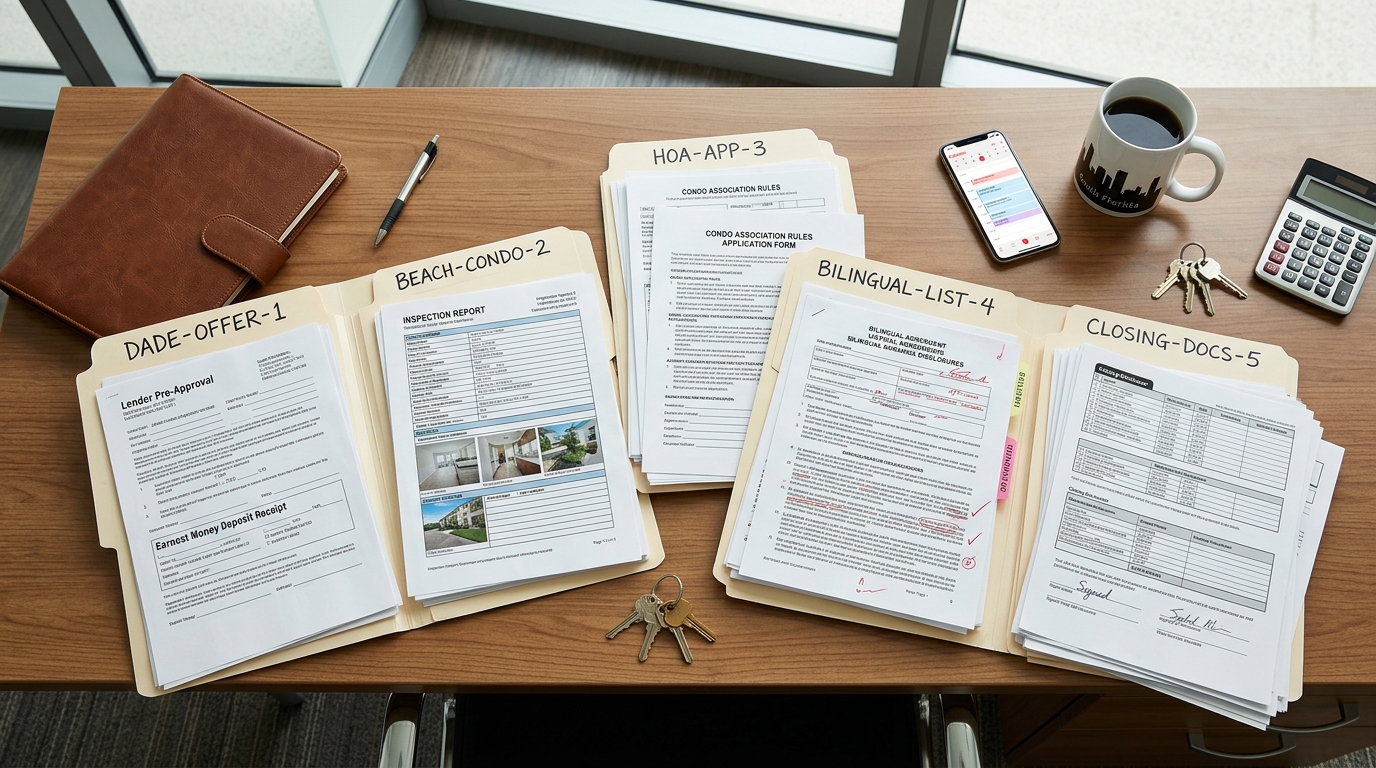
- Current contract and amendments reviewed
- Current closing date confirmed
- Compensation matched to the applicable signed agreement and documented instructions
- Brokerage and payee names checked
- Deductions, referrals, and totals recalculated
- Broker approval completed
- Closing company’s cutoff and delivery method recorded
- Final CDA delivered to the correct recipient
- Receipt confirmed and retained
- Commission entries on the available Closing Disclosure draft compared with the authorized CDA
The handoff is complete when the closing company has the broker-authorized version, receipt is documented, and any available Closing Disclosure draft has been checked against it. Keep the CDA, broker authorization, delivery record, and later revisions together so the active instruction is clear.